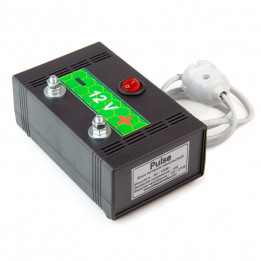
- New
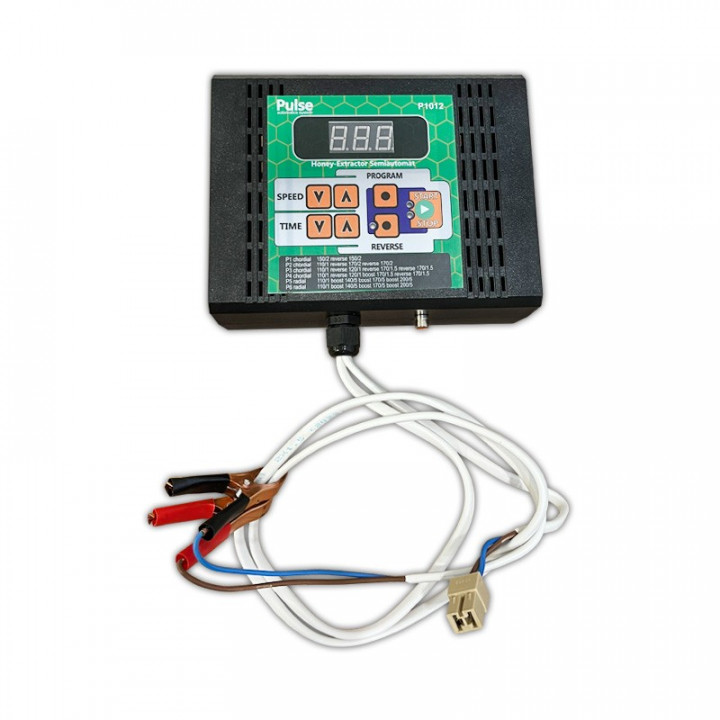
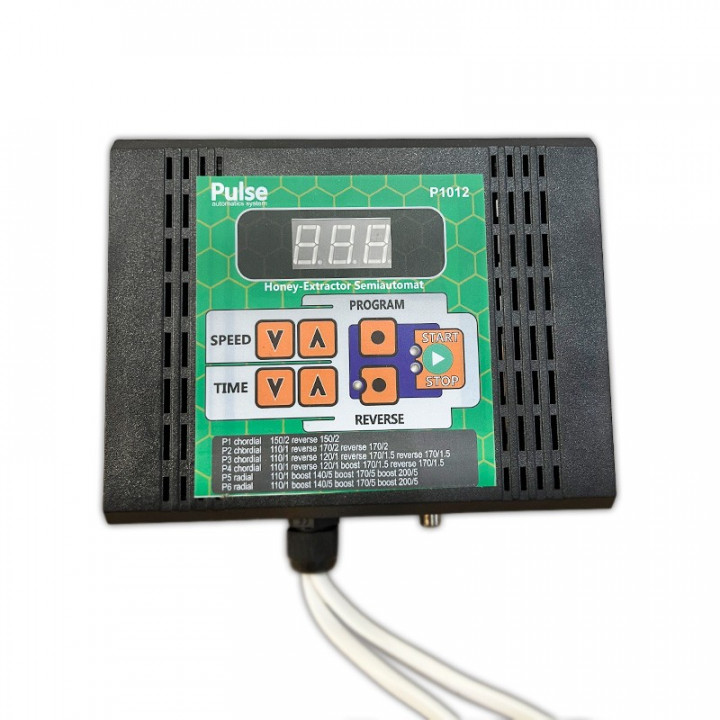
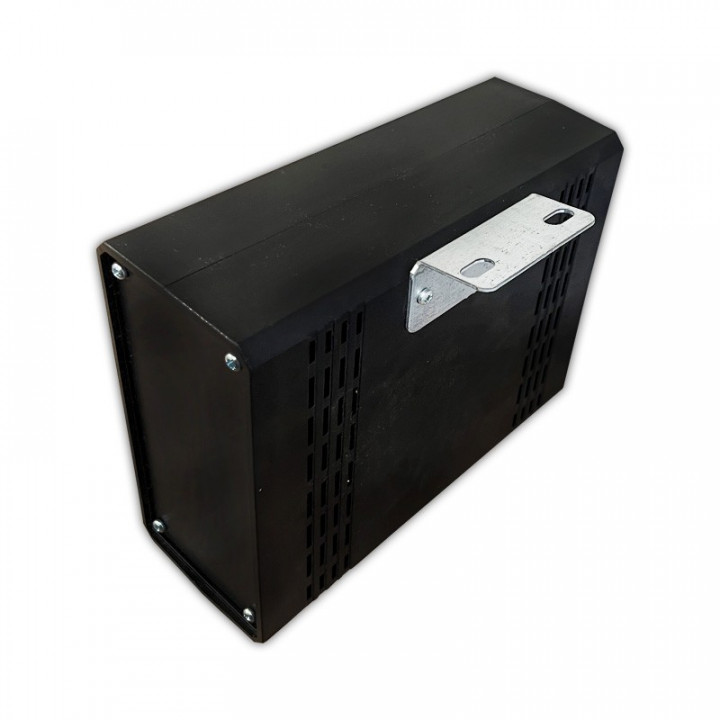
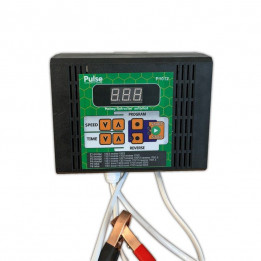
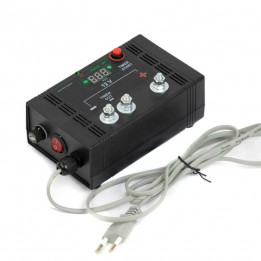
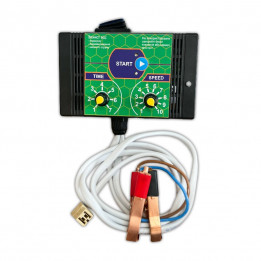
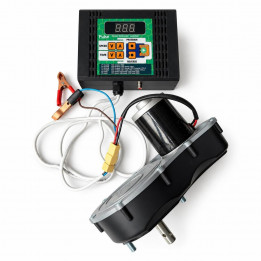
PULSE "Euro" honey extractor control panel (12 V/300 W) images
PULSE "Euro" honey extractor control panel (12 V/300 W)
Control panel for the electric drive of a "Pulse" honey extractor, 300 W load. "Euro" model (12 V/300 W)
PULSE "Euro" honey extractor control panel (12 V/300 W)
Installation and connection:
IMPORTANT! THE USE OF CHARGING STATIONS AND LED DRIVERS IS NOT PERMITTED. This may cause the control panel to fail! This is NOT COVERED BY WARRANTY!
The control unit has 6 programmes, each of which can be changed by the user to set the desired time, speed and pauses between cycles.
To change the time, speed and pauses between programme cycles, select the required programme, press and hold the “PROGRAM” button for more than 3 seconds. After the audible signal, the device will enter programming mode for the selected programme.
Example for programme P2. After holding the "PROGRAM" button for more than 3 seconds, P2.1 is shown on the screen (change the time and speed of the first cycle). Press "PROGRAM" briefly to move to P2.P (change the pause between cycles), press "PROGRAM" briefly again to move to P2.2, and so on. The programme editing menu closes automatically after the last cycle of the programme has been edited.
IMPORTANT! Set pauses between cycles with enough spare time for the honey extractor rotor to come to a complete stop before the next start.
Honey extractor operation in manual mode (P0)
In this mode, the rotation speed, direction and time are set manually on the control unit panel using the buttons. After rotation in either direction has finished, or after pressing the “Stop” button, there is a 12-second delay. After stopping, when the “Stop” button indicator is lit, further operation of the panel is possible, for example switching on reverse or entering the programming menu.
Honey extractor operation in automatic mode (P1; P2; P3; P4; P5)
To operate the honey extractor in automatic mode: in the mode setup menu, set section 106 to ON (see the Mode Setup Menu section) and select one of the programmes on the control panel. After rotation in one direction has finished, there is a 5–30 second delay for the honey extractor rotor to come to a complete stop, after which the electric motor reverse rotation is switched automatically and the next stage is carried out according to the selected programme.
IMPORTANT! Set pauses between cycles with enough spare time for the honey extractor rotor to come to a complete stop before the next start.
Honey extractor operation in semi-automatic mode (P1; P2; P3; P4; P5)
To operate the honey extractor in semi-automatic mode: in the mode setup menu, set section 106 to OFF (see the Mode Setup Menu section) and select one of the programmes on the control panel. After rotation in one direction has finished, there is a 5–30 second delay for the honey extractor rotor to come to a complete stop. The programme gives an audible signal to indicate the end of the cycle and waits for confirmation to run the next cycle using the “START” button, after which the electric motor reverse rotation is switched automatically and the next stage is carried out according to the selected programme.
PARAMETER / VALUE
- 101 Total PWM power
- 103 Motor braking
- 104 Current protection, amps
- 105 Temperature protection
- 106 Automatic/Semi-automatic mode
- 107 Display of upper speed value
- 108 Display of lower speed value
- 110 First jerk time for positioning cassettes
- 111 First jerk force for positioning cassettes
Manufacturer: Pulseautomatics Ukraine